

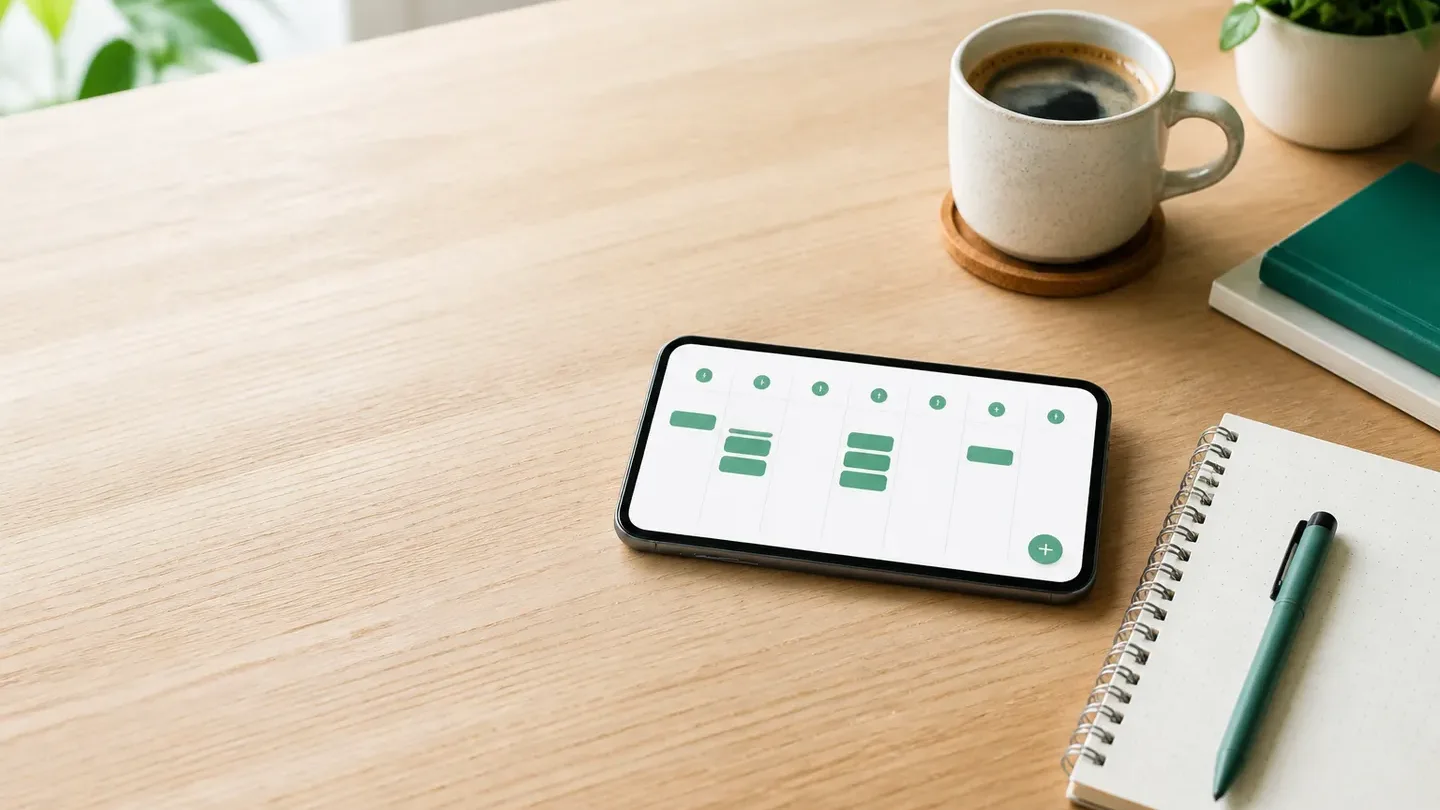
The best weekly planner for a freelancer puts client work and personal errands in one view, so nothing falls between two lists. Then you set it up once a week, in about five minutes.
That is the idea behind Fieldnote, a weekly planner for freelancers and small-business owners. Here is why split lists fail and what the one-view approach looks like.
Why do client calls and the school run get lost?
Most freelancers keep two lists: a work list and a life list. The trouble is that your week is one week. A call with a client at 2 pm and a dentist appointment at 4 pm compete for the same afternoon, but they sit in different places, so you only see the clash when it is already a problem.
Split lists also hide small things. The April invoices, the packaging pickup and the bank visit all take time. If one lives in a work app and another on a sticky note, you plan the day as if it were emptier than it is.
Unfinished items also cost attention. Psychology research by Masicampo and Baumeister found that unfinished goals cause intrusive thoughts that hinder other tasks. A summary of the same work notes that making a specific plan for an unfinished goal eliminated those intrusive thoughts in their experiments. A loose pile in your head is not a plan. A task with a day is.
What does a one-view weekly plan look like?
One list, Monday to Friday, with everything on it:
- Client calls and deadlines
- Invoices and admin
- Errands such as picking up packaging or going to the bank
- Personal fixed points like a dentist appointment or the school run
Each item is labelled, for example Client or Errand, so you can tell them apart at a glance. But they share the same days. When Thursday holds three client deadlines and a 4 pm appointment, you see it on Monday and move something, rather than discovering it on Thursday.
How do you plan the week in five minutes?
Fieldnote works in three steps, once a week.
- Empty your head. Type or say everything on your mind: client work, errands, the things you keep forgetting.
- Give it a day. Drag each item onto a day. Fieldnote shows when a day is getting too full, so you can move things early.
- Follow the plan. Each morning, open today's short list and tick things off.
Fieldnote also suggests where things fit, so Monday starts with a plan, not a pile. It works on your phone and computer, so you can plan at your desk and check the list between jobs.
Why a gentle Sunday reminder helps
A weekly plan only works if you actually make it. The hardest part is starting. So Fieldnote sends one friendly nudge on Sunday evening to set up the week ahead. It is not a stream of alerts, just one message at the point where the next week is about to begin.

Sunday evening is also when the unfinished things tend to nag. Giving each of them a day then is a small way to get your evening back.
Old list or new planner: what changes?
| Separate work and life lists | One weekly view | |
|---|---|---|
| Clashes | Found on the day | Seen early |
| Small errands | Easy to forget | Listed beside client work |
| Starting the week | Whenever you remember | Sunday reminder |
| Daily focus | Scan two lists | One short list for today |
FAQ
Is Fieldnote available now?
Not yet. Early access opens soon, and it is free during early access. You join the waitlist and get one email when it opens.
Is it for teams?
Fieldnote is a weekly planner for freelancers and small-business owners. If you have questions about your situation, ask on the contact page.
If you want to see how your data is handled before joining the waitlist, read the privacy page, or get in touch through Contact.